
The demand for efficient, secure, and legally binding document workflows has surged in recent years, particularly with the rise of hybrid workplaces and remote collaboration. E-signatures have emerged as a cornerstone of modern digital workflows, offering businesses an innovative way to streamline processes, reduce operational bottlenecks, and enhance compliance. But how can businesses create a truly seamless document workflow using e-signatures? This guide explores the key steps, features, and best practices to ensure your organization reaps the full benefits of this transformative technology.
By incorporating e-signatures into your workflows, you’re not just adopting a new tool—you’re revolutionizing the way your organization handles documents. With businesses increasingly prioritizing speed, accuracy, and security, e-signature technology is no longer a luxury but a necessity. This article provides actionable steps and expert insights to help you make the most of e-signature technology, whether you’re starting from scratch or refining existing processes.
Understanding the Importance of E-Signatures in Modern Workflows
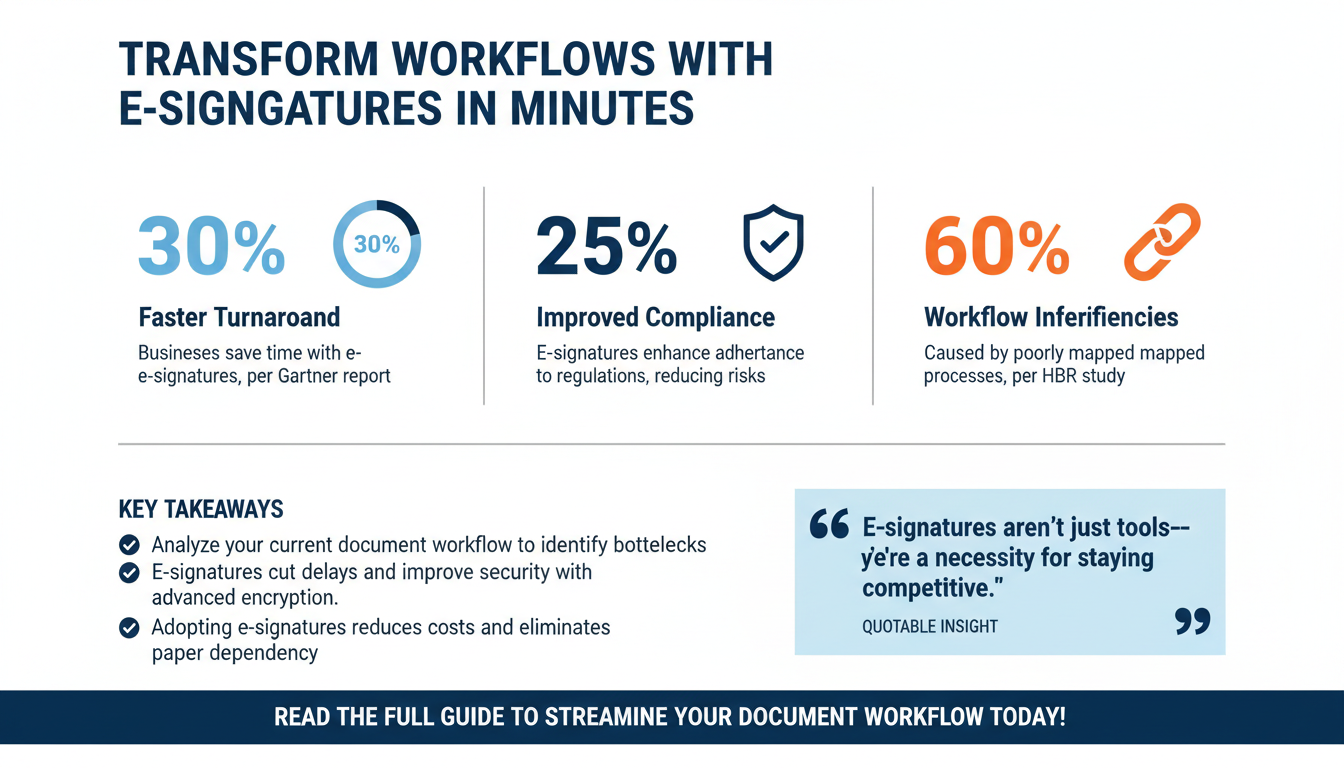
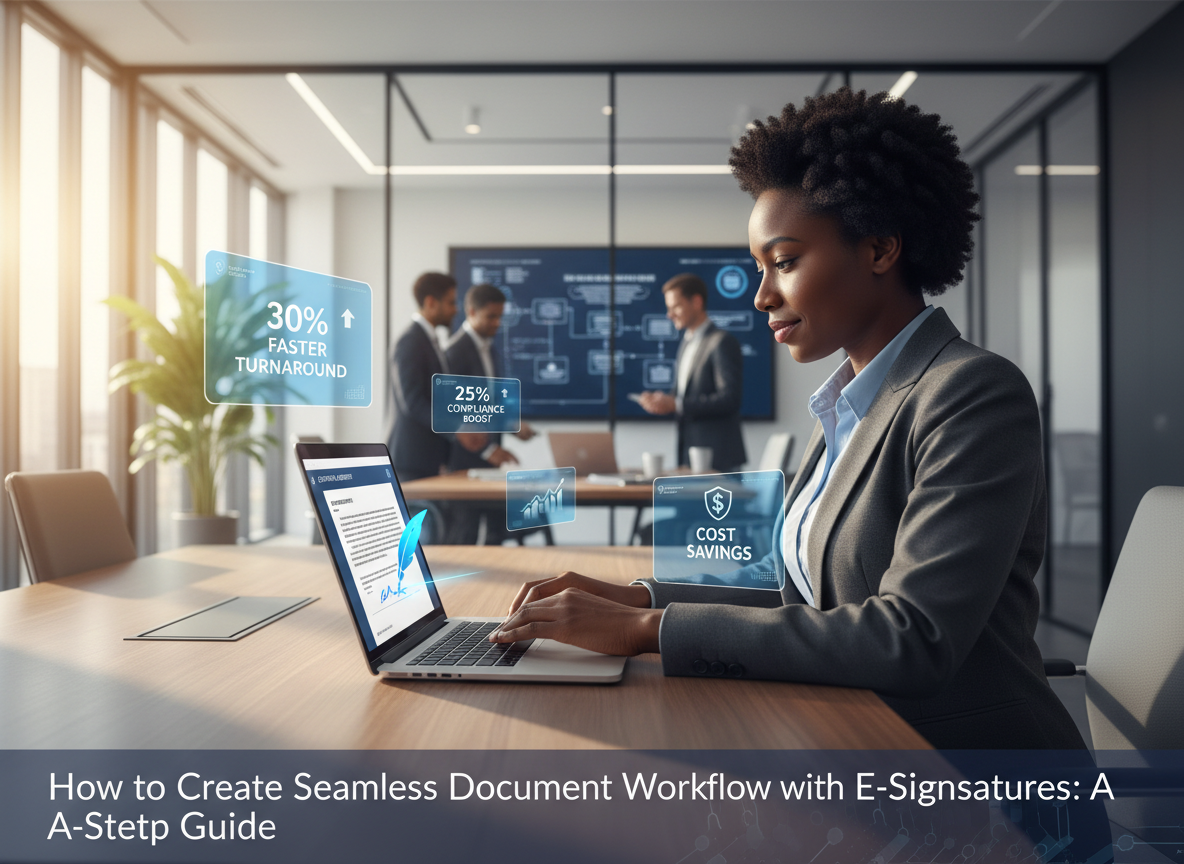
E-signatures are a game-changer for document workflows, making them faster, safer, and more reliable. A recent study by Gartner's 2025 Digital Transformation Report reveals that businesses adopting digital workflows powered by e-signatures experience a 30% reduction in process turnaround times, a 25% improvement in compliance adherence, and significant cost savings over manual methods. These benefits directly contribute to improved customer satisfaction and streamlined operations.
The convenience of e-signatures lies in their ability to eliminate the need for physical signatures, enabling documents to be signed securely from anywhere, at any time. Moreover, e-signatures are legally binding in most jurisdictions, supported by regulations such as the ESIGN Act in the U.S. and eIDAS in the EU. Their role extends far beyond convenience: they are integral to automation, reducing errors, improving traceability, and enhancing security.
Key Benefits of E-Signature Workflows:
- Speed: Documents can be signed in minutes instead of days, reducing delays and expediting critical processes.
- Security: Advanced encryption and authentication methods ensure data integrity and protect sensitive information.
- Cost Savings: Businesses save on printing, shipping, and storage costs, while reducing the environmental impact of paper usage.
- Global Reach: Sign documents from anywhere in the world, using any device with an internet connection.
Key Takeaway: E-signatures are not merely a convenience—they are a strategic necessity for organizations aiming to stay competitive in the digital age. Their ability to enhance efficiency, security, and compliance makes them indispensable for modern workflows.
Step 1: Analyze Your Current Document Workflow
The first step to creating a seamless document workflow is understanding your existing processes. According to Harvard Business Review, 60% of workflow inefficiencies stem from poorly mapped processes and lack of automation. A thorough audit can help identify bottlenecks and areas for improvement. Start by answering these questions:

- What types of documents require signatures (e.g., contracts, NDAs, invoices)?
- Who are the key stakeholders involved in the signing process?
- What are the current bottlenecks or pain points (e.g., delays, errors, compliance risks)?
For example, many organizations struggle with delays caused by mailing physical documents for signatures, leading to missed deadlines or strained client relationships. Others may face compliance risks due to inconsistent processes. By categorizing workflows based on priority—such as client onboarding or vendor agreements—you can focus on transitioning high-impact processes first.
Quick Win: Use tools like Lucidchart or Microsoft Visio to create a visual map of your current document workflows. This helps identify inefficiencies and provides a blueprint for optimization.
Step 2: Choose the Right E-Signature Solution
Not all e-signature platforms are created equal. Selecting the right solution is critical for achieving a seamless workflow. When evaluating platforms, consider the following:

- Integration: Ensure the platform integrates with your existing tools like CRM systems, project management software, or cloud storage solutions.
- Ease of Use: Look for an intuitive interface that is easy for both internal teams and external collaborators.
- Compliance: Verify that the platform meets regulatory requirements such as eIDAS, UETA, and HIPAA.
- Scalability: Choose a solution that can grow with your organization’s needs.
According to Forrester’s 2025 Digital Signature Solutions Report, businesses that adopt integrated e-signature solutions see a 40% improvement in workflow efficiency compared to those using standalone tools. For instance, platforms like Zignature offer seamless integration with Microsoft 365, Salesforce, and Dropbox, enhancing productivity and reducing manual input.
Expert Insight: When choosing a platform, prioritize features such as customizable templates, robust tracking capabilities, and enterprise-grade encryption.
Step 3: Design Your Optimized Workflow
Once you’ve selected your e-signature platform, the next step is designing an optimized workflow. This involves automating repetitive tasks and ensuring a logical sequence of actions. A proven approach is the S.T.E.P framework:

The S.T.E.P Framework:
- Standardize: Develop templates for frequently used documents to save time and reduce errors.
- Track: Leverage tracking features to monitor document progress in real-time.
- Enhance: Use advanced features like conditional logic to tailor workflows to specific scenarios.
- Protect: Encrypt documents and ensure compliance with legal standards.
For example, a real estate firm can use standardized templates for lease agreements, track document status to ensure timely execution, and protect sensitive client data using encryption. These efforts not only optimize workflows but also enhance client trust.
Step 4: Train Your Team and Stakeholders
Adoption is key to success. Even the best e-signature solution won’t deliver results if your team isn’t equipped to use it effectively. Training is essential. According to McKinsey, organizations that prioritize training see a 35% higher ROI from digital transformation initiatives.
Organize training sessions covering:
- Platform navigation and usage.
- Best practices for workflow creation and management.
- Compliance and security protocols.
Quick Win: Create on-demand training videos for employees to access anytime. This not only simplifies onboarding but ensures ongoing learning for your team.
Step 5: Monitor, Evaluate, and Optimize
Document workflows are not static—they require regular evaluation and optimization. Use analytics tools within your e-signature platform to monitor key performance indicators (KPIs):
- Time to completion for each document.
- Error rates or instances of rejected documents.
- Compliance adherence percentage.
For example, if you notice that contracts are consistently delayed, you may need to adjust your workflow sequence or improve stakeholder communication. Optimization ensures your workflows remain efficient and aligned with evolving business needs.
FAQs: Common Questions About E-Signature Workflows
1. Are e-signatures legally binding?
Yes, e-signatures are legally binding in most jurisdictions, including the U.S. (ESIGN Act) and the EU (eIDAS). Always ensure your platform complies with local regulations.
2. How secure are e-signatures?
E-signatures use advanced encryption and authentication methods to ensure security and data integrity. Look for platforms with ISO 27001 certification for added assurance.
3. Can e-signature platforms integrate with my existing tools?
Most leading platforms, including Zignature, offer integrations with tools like Microsoft 365, Salesforce, and Google Workspace.
4. How do I get started with e-signatures?
Start by mapping your current workflows, choosing an appropriate platform, and training your team. Explore Zignature's pricing plans to find the solution that fits your business needs.
Conclusion
Creating a seamless document workflow with e-signatures is more than adopting technology—it’s about transforming operations for better efficiency, compliance, and security. By following the steps outlined in this guide, your organization can unlock cost savings, improve client satisfaction, and maintain a competitive edge in the digital era. Ready to revolutionize your workflows? Explore Zignature’s features to get started today.
To further enhance your digital workflows, explore our sister platforms: Apparatuz for workflow automation, Applicantz for recruitment management, Schedly for scheduling and appointments, Supportly for customer support, and Zatisfied for feedback management. Together, these tools create a comprehensive ecosystem that complements your digital signature strategy.