

As enterprises face mounting pressure to enhance efficiency, reduce operational costs, and deliver seamless customer experiences, automating document workflows has become a strategic necessity. By 2026, over 90% of enterprises are expected to incorporate workflow automation technologies into their operations, according to Gartner’s latest report. Streamlining document workflows not only accelerates business processes but also ensures compliance, improves collaboration, and supports a paperless transformation.
This guide will walk you through a comprehensive, actionable framework to automate document workflows in your enterprise, covering everything from identifying bottlenecks to selecting the right tools and implementing best practices. Whether you’re an operations leader, IT manager, or business owner, this resource will provide the detailed insights and steps you need to succeed.
1. Understanding Document Workflow Automation
Document workflows are the lifeblood of any enterprise, encompassing everything from contracts and invoices to approvals and HR documentation. But manually managing these workflows can be time-consuming, error-prone, and costly. Enter document workflow automation—a solution that streamlines repetitive tasks by leveraging technology to improve efficiency, accuracy, and scalability.
Document workflow automation involves the use of digital tools and software to handle the creation, routing, approval, and storage of documents. It eliminates the need for manual intervention by automating routine tasks, such as sending reminders, verifying data, and securing signatures. This enables organizations to focus on higher-value activities and deliver measurable ROI.
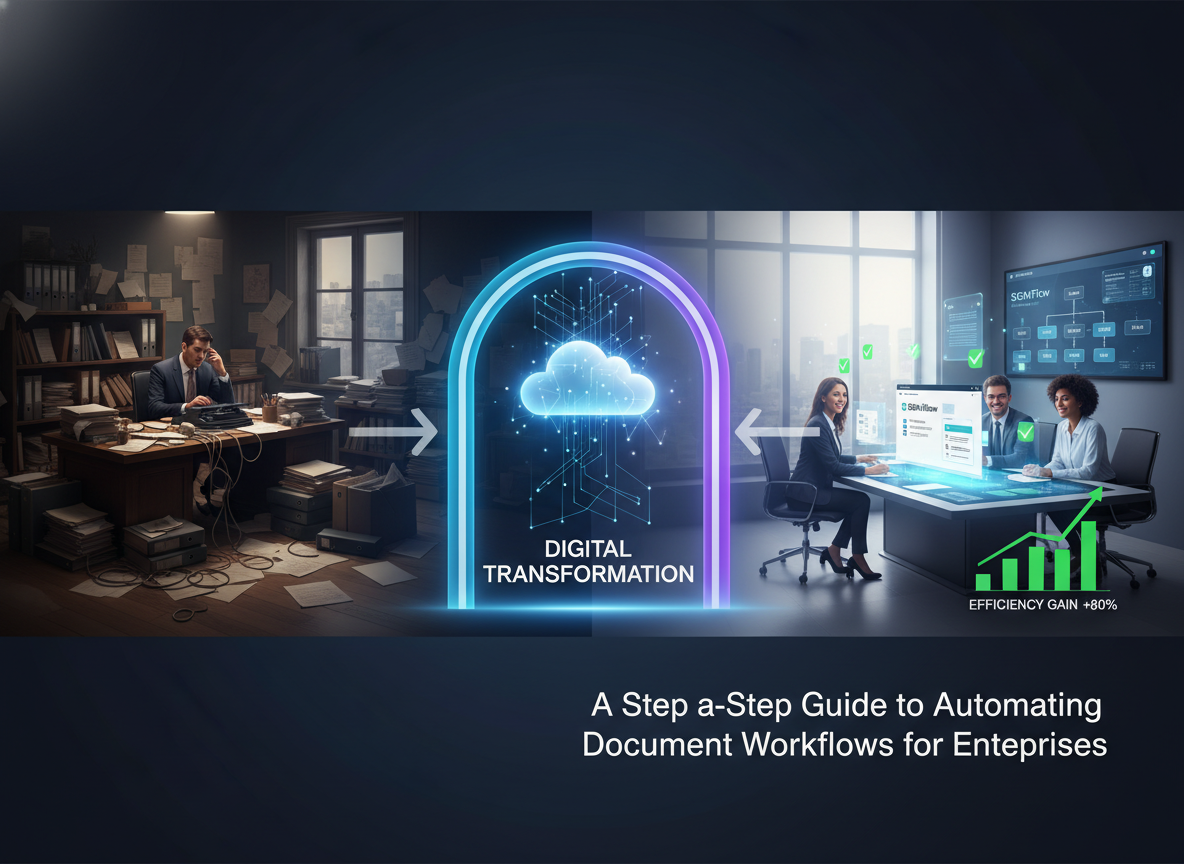
For example, a 2025 study by Forrester found that enterprises implementing automated document workflows experienced a 30% reduction in processing time and a 25% decrease in operational costs. These results underscore the transformative potential of automation.
Benefits of Document Workflow Automation:
- Improved Efficiency: Reduce processing times by eliminating manual tasks.
- Enhanced Accuracy: Minimize human errors in data entry and approvals.
- Cost Savings: Lower administrative costs associated with paper-based workflows.
- Compliance Assurance: Ensure regulatory and legal requirements are met.
- Scalability: Handle increasing document volumes with ease.
Key Takeaway: Document workflow automation is no longer optional—it’s a competitive advantage. Start by understanding its benefits and aligning them with your enterprise goals.
2. Assessing and Mapping Your Current Workflows
Before diving into automation, it’s critical to assess and map your existing workflows. This step lays the foundation for identifying inefficiencies and determining where automation can deliver the greatest impact.
Begin by auditing your current document workflows. Identify key processes such as contract approvals, invoice processing, and employee onboarding. Map out each workflow in detail, including the stakeholders involved, the steps required, and the systems used. Tools like LucIDChart or Microsoft Visio can help create visual representations of your workflows.

Steps to Assess Your Workflows:
- Identify Key Processes: List the document workflows that consume the most time and resources.
- Map Each Workflow: Document each step, from initiation to completion, and highlight bottlenecks or redundancies.
- Gather Stakeholder Input: Interview team members involved in these workflows to understand their pain points.
- Analyze Metrics: Use data to measure the current performance of your workflows, such as processing times and error rates.
For instance, a financial services firm discovered that 40% of its contract approvals were delayed due to manual signature collection. By mapping the workflow, the firm pinpointed this bottleneck and implemented an e-signature solution, achieving a 50% reduction in approval time.
Key Takeaway: Workflow mapping is a critical step that uncovers inefficiencies and sets the stage for automation. Use data and stakeholder insights to guide your analysis.
3. Choosing the Right Automation Tools
The success of your automation initiative hinges on selecting the right tools. With a plethora of options available, choosing a solution that aligns with your organization’s needs and integrates seamlessly with your existing systems is essential.
When evaluating tools, consider factors such as ease of use, scalability, security features, and integration capabilities. For enterprises, platforms like Zignature offer robust workflow automation features designed to handle high volumes of documents while ensuring compliance with industry regulations.

Key Criteria for Evaluating Automation Tools:
- Security: Look for tools with encryption, access controls, and compliance certifications like SOC 2 and ISO 27001.
- Integration: Ensure compatibility with your existing software, such as CRM, ERP, or HR systems.
- User Experience: Opt for intuitive interfaces that require minimal training.
- Scalability: Choose a solution that can grow with your organization’s needs.
- Support: Evaluate the vendor’s customer support and training resources.
Research from G2 shows that enterprises using integrated automation platforms report a 20% increase in productivity. This underscores the importance of choosing the right technology.
Key Takeaway: Selecting the right tool is critical to your success. Prioritize solutions that align with your workflows, scale with your needs, and offer robust security features.
4. Implementing Automation in Phases
Automation implementation is a complex process that requires careful planning and execution. Adopting a phased approach ensures a smoother transition and minimizes disruptions to your operations.
Start by identifying a pilot project with clear objectives and measurable outcomes. This could be a single workflow, such as expense approvals or contract management. Use this pilot to test the automation tool, gather feedback, and refine your approach before scaling up.

Steps to Implement Automation:
- Define Objectives: Set specific goals, such as reducing processing time by 30% or achieving 100% compliance.
- Pilot Testing: Select a high-impact, low-risk workflow for your pilot project.
- Training and Onboarding: Provide training to your team on using the new tools effectively.
- Monitor Performance: Track metrics such as processing time, error rates, and user adoption.
- Iterate and Scale: Use insights from the pilot to refine your approach and expand automation across other workflows.
For example, a healthcare provider implemented automated appointment scheduling as a pilot project. After achieving a 40% reduction in no-show rates, they expanded automation to other areas, such as patient record management and billing.
Key Takeaway: A phased approach to implementation minimizes risk and maximizes ROI. Start small, iterate, and scale based on data-driven insights.
5. Overcoming Common Challenges
Despite its benefits, automating document workflows comes with challenges, including resistance to change, data security concerns, and integration complexities. Addressing these obstacles proactively is crucial to ensuring a successful implementation.
One common challenge is resistance from employees who fear automation will replace their roles. To address this, emphasize how automation enhances productivity and allows team members to focus on more strategic tasks. Provide comprehensive training and involve employees in the implementation process to foster buy-in.

Another challenge is ensuring data security. Enterprises must choose tools with robust security features and comply with regulations such as GDPR or HIPAA. According to IDC, 67% of enterprises cite security as a top priority when selecting automation tools, underscoring its importance.
Key Takeaway: Anticipate challenges and address them proactively. Employee training, clear communication, and robust security measures are key to overcoming obstacles.
6. Measuring Success and Optimizing Workflows
Measuring the success of your automation initiative is essential to ensure it delivers the desired outcomes. Use key performance indicators (KPIs) to track progress and identify areas for improvement.
Key metrics to monitor include processing time, error rates, cost savings, and user adoption rates. Regularly review these metrics and gather feedback from stakeholders to identify opportunities for optimization. Advanced analytics tools can provide deeper insights into your workflows and highlight inefficiencies.
Steps to Optimize Workflows:
- Monitor Metrics: Use KPIs to track the performance of automated workflows.
- Gather Feedback: Regularly collect input from users to identify pain points.
- Leverage Analytics: Use data insights to identify bottlenecks and inefficiencies.
- Iterate: Continuously refine workflows to maximize efficiency and ROI.
For instance, a real estate firm used analytics to identify delays in client onboarding. By optimizing their workflow, they reduced onboarding time by 25%, improving client satisfaction.
Key Takeaway: Continuous measurement and optimization are critical to sustaining the benefits of workflow automation. Use data-driven insights to refine your processes and enhance efficiency.
FAQs About Document Workflow Automation
1. What types of workflows can be automated?
Common workflows include contract approvals, invoice processing, employee onboarding, and compliance documentation. Virtually any repetitive, document-intensive process can benefit from automation.
2. Is document workflow automation secure?
Yes, most enterprise-grade tools offer robust security features, including encryption, access controls, and compliance with regulations like GDPR and HIPAA.
3. How long does it take to implement automation?
The timeline varies based on the complexity of your workflows and the chosen tool. A phased approach, starting with a pilot project, typically takes 2-6 months.
4. What is the ROI of automating document workflows?
According to McKinsey, enterprises can achieve an average ROI of 300% within three years of implementation, driven by cost savings and efficiency gains.
Ready to transform your document workflows? Explore Zignature’s pricing plans or contact our team to get started today.
To further enhance your digital workflows, explore our sister platforms: Apparatuz for workflow automation, Applicantz for recruitment management, Schedly for scheduling and appointments, Supportly for customer support, and Zatisfied for feedback management. Together, these tools create a comprehensive ecosystem that complements your digital signature strategy.