
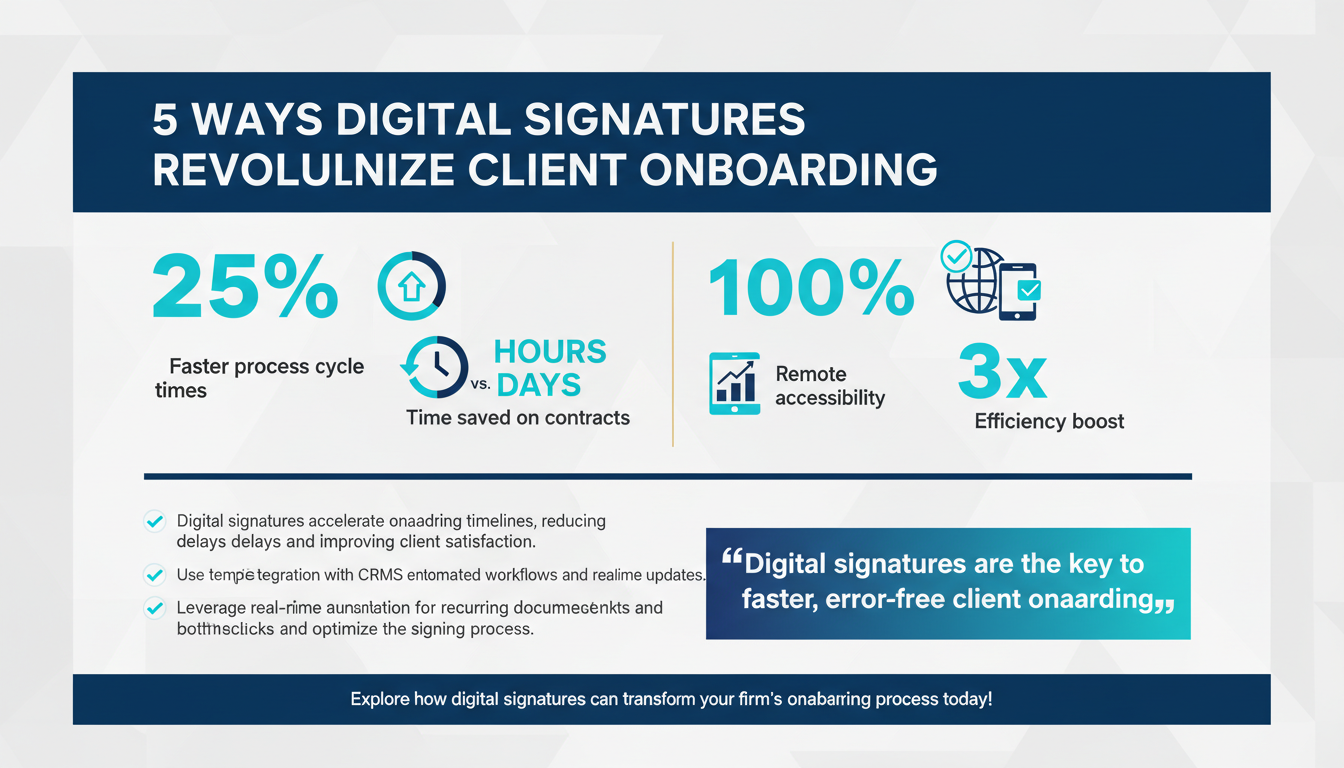
Client onboarding is a critical process for professional services firms, serving as the foundation for building long-term client relationships. However, the traditional methods of onboarding, often reliant on physical paperwork, manual signatures, and lengthy approval cycles, can be cumbersome and prone to errors. In an era where efficiency and client satisfaction are paramount, digital signatures have emerged as a transformative solution. By automating and streamlining processes, they address key pain points such as delays, inaccuracies, and compliance challenges.
From law firms handling time-sensitive contracts to financial advisors managing regulatory complexity, digital signatures are reshaping how businesses onboard clients. In this comprehensive guide, we’ll explore five transformative ways in which digital signatures revolutionize client onboarding for professional services firms. We’ll also dive into real-world applications, provide actionable tips, and share expert insights to help your firm stay competitive in 2026 and beyond.
1. Accelerating Onboarding Timelines
One of the most immediate and noticeable benefits of digital signatures is the acceleration of onboarding timelines. In traditional onboarding workflows, obtaining signatures often involves multiple rounds of communication, physical document exchanges, and manual follow-ups. These inefficiencies can not only frustrate clients but also delay the activation of your services. Digital signatures eliminate these pain points by allowing documents to be signed instantly, from any location and on any device.
For example, a law firm onboarding a new corporate client can use digital signature platforms to handle agreements, non-disclosure agreements (NDAs), and compliance documents in a matter of hours rather than days. This not only speeds up the process but also creates a positive first impression for the client, emphasizing the firm’s commitment to efficiency and modernity.
According to HubSpot research, businesses that adopt digital workflow solutions report a 25% reduction in process cycle times. For professional services firms, this time saving translates into quicker revenue realization and improved client satisfaction.
Seamless Integration with Existing Systems
Digital signatures can integrate seamlessly with Customer Relationship Management (CRM) systems and document management platforms, automating notifications and follow-ups. For instance, once a document is signed, the system can automatically update client records, notify relevant team members, and move the process to the next stage. This integration ensures that your workflows remain uninterrupted and reduces the chances of human error during data entry.
Imagine an accounting firm that uses a CRM like Salesforce. By integrating digital signature software, the firm can automatically trigger invoicing or client onboarding emails once contracts are signed, ensuring no delays in the subsequent steps.
Pro Tip: Use Automation for Recurring Documents
For firms that deal with recurring agreements, such as annual contracts or service renewals, leverage automation within your digital signature platform. Schedule these documents to be sent automatically to clients at predefined intervals, eliminating the need for manual intervention and ensuring continuity in client relationships.
Additional Actionable Tips:
- Leverage software that integrates digital signatures with your existing CRM or project management tools.
- Set up automated reminders for clients who have not signed documents within a specified timeframe.
- Use templates for frequently used documents to reduce the time spent drafting new agreements.
- Consider implementing real-time analytics to track document statuses and identify bottlenecks in the signing process.
2. Enhancing Client Experience and Convenience
Modern clients expect seamless and convenient interactions, and digital signatures deliver exactly that. Unlike traditional methods that require clients to print, sign, scan, and return documents, digital signatures eliminate these tedious steps. Clients can sign documents electronically using any device—be it a smartphone, tablet, or desktop—making the process faster and more user-friendly.
A healthcare consulting firm, for example, can onboard hospitals across different regions by using digital signature platforms to finalize contracts and compliance forms without requiring stakeholders to meet in person. This not only simplifies logistics but also ensures that the onboarding process is consistent regardless of the client’s location.
Improving Accessibility Across Devices
Accessibility is a key feature of digital signature platforms. Clients no longer need access to a printer or scanner, which is particularly beneficial for individuals working remotely or traveling. Platforms like DocuSign and Adobe Sign are optimized for mobile use, allowing users to sign documents with a few taps on their smartphones. This level of convenience can significantly enhance the client experience and foster goodwill.
For example, a financial advisor working with international clients can finalize investment agreements without the need for courier services or international mail delays. The ability to sign documents with a simple click or finger swipe ensures that location and time zones are no longer barriers to efficiency.
Expert Insight: Personalization Matters
Clients appreciate a personalized experience, even in digital transactions. Customize your digital signing interface with your company’s branding, including logos, colors, and personalized welcome messages. This small touch can make a big difference in how professional your firm appears and can help reinforce trust in your services.
Practical Applications:
- Ensure your digital signature tool is mobile-friendly to accommodate clients who prefer using smartphones.
- Customize signing portals to reflect your firm’s branding and create a professional touchpoint.
- Offer clear, step-by-step instructions for clients unfamiliar with digital signatures to reduce barriers.
- Use analytics to track client interactions with the digital signing platform and identify areas for further improvement.
3. Reducing Errors and Improving Document Accuracy
Manual document handling is prone to errors, such as missing pages, unsigned fields, or misplaced paperwork. These mistakes can be costly, especially for professional services firms operating in highly regulated industries. Digital signatures address this issue by incorporating automated checks, predefined fields, and guided workflows to ensure that every document is completed accurately and comprehensively.
For instance, financial advisory firms can use digital signature platforms to onboard clients for investment portfolios. These platforms can validate that all required fields are completed and signatures are provided in the correct places, thereby reducing the risk of regulatory non-compliance.
Error Reduction Through Automation
Automation is a game-changer for reducing errors. Most digital signature platforms include features like mandatory fields and error detection that flag incomplete sections before a document can be submitted. This ensures that all necessary information is captured in one go, saving time and preventing back-and-forth communication to correct mistakes.
For example, a legal firm preparing a complex contract can use templates with predefined fields for client initials, dates, and signatures. The platform will not allow the document to be finalized until all fields are properly filled, ensuring compliance and accuracy.
Pro Tip: Use Audit Trails for Accountability
Leverage the audit trail feature available in most digital signature platforms. This feature provides a detailed record of actions taken on the document, including timestamps for when it was opened, signed, and finalized. Audit trails are invaluable for resolving disputes and demonstrating compliance with legal and regulatory standards.
Actionable Tips:
- Utilize platforms that offer error detection, such as flagging incomplete fields or missing signatures.
- Ensure your digital signature solution complies with industry standards like eIDAS, ESIGN, or UETA.
- Regularly review audit trails to identify and address any recurring issues in your workflows.
- Train staff to recognize and resolve common errors in digital documentation processes.
4. Strengthening Security and Compliance
Security and compliance are non-negotiable for professional services firms, especially those dealing with sensitive data or operating in regulated industries like finance, healthcare, and law. Digital signatures offer robust encryption, authentication protocols, and tamper-proof records, ensuring that documents are secure and legally binding.
For example, a legal firm handling high-stakes contracts can use digital signatures to meet compliance requirements for regulations like GDPR in the EU or HIPAA in the U.S. The platforms also provide detailed audit trails, documenting every action taken on a document, from its creation to its final signing.
Data Encryption and Authentication
Digital signature platforms use advanced encryption methods to secure documents. Each signature is encrypted with a unique digital certificate linked to the signer, ensuring that the document cannot be tampered with after signing. Multi-factor authentication (MFA) further enhances security by requiring users to verify their identity through additional steps, such as entering a one-time password (OTP).
Consider a healthcare consulting firm requiring HIPAA compliance. Using a digital signature platform with MFA ensures that only authorized individuals can access sensitive patient data, reducing the risk of breaches.
Expert Insight: Keep Compliance Top of Mind
When selecting a digital signature solution, prioritize platforms that align with the compliance requirements of your industry. Look for certifications like SOC 2, ISO 27001, or FedRAMP to ensure the provider meets stringent security standards.
Best Practices:
- Choose a digital signature provider that complies with international security standards.
- Regularly update your software to protect against emerging cyber threats.
- Train staff on the importance of secure document handling and data privacy.
5. Streamlining Multi-Party Collaboration
Client onboarding often involves collaboration among multiple stakeholders, including internal teams, external partners, and clients. Coordinating this process manually can lead to bottlenecks, miscommunication, and delays. Digital signatures simplify collaboration by providing a centralized platform where all parties can review, sign, and track documents in real-time.
A real estate firm managing property transactions, for example, can use digital signature platforms to facilitate seamless collaboration between buyers, sellers, agents, and legal advisors. Each party receives automated notifications when it’s their turn to act, ensuring that the process moves forward without unnecessary delays.
Real-Time Tracking and Notifications
One of the standout features of digital signature platforms is real-time tracking. Stakeholders can monitor who has signed the document and who still needs to take action. Automated notifications eliminate the need for manual follow-ups, keeping the process on track and ensuring accountability among all parties involved.
For example, an accounting firm managing tax filings for multiple clients can use a centralized dashboard to track the status of each client’s documents, ensuring nothing falls through the cracks during busy tax seasons.
Pro Tip: Foster Transparency with Clients
Share document progress with clients to keep them informed and reduce the need for status inquiries. Transparency builds trust and demonstrates your firm’s commitment to client satisfaction.
Actionable Tips:
- Implement a centralized dashboard for tracking document progress across stakeholders.
- Enable real-time notifications to keep all parties informed.
- Foster accountability by assigning specific roles and responsibilities within the platform.
Conclusion
Digital signatures are no longer a luxury but a necessity for professional services firms aiming to remain competitive in today’s fast-paced business environment. By accelerating onboarding timelines, enhancing client experiences, reducing errors, strengthening security, and streamlining collaboration, these tools offer unparalleled advantages.
As your firm navigates the challenges and opportunities of 2026, adopting digital signature solutions like Zignature’s workflow automation features can help you deliver exceptional value to clients while optimizing internal efficiencies. To further enhance your operations, consider integrating complementary platforms such as Schedly for scheduling, Applicantz for recruitment management, and Apparatuz for workflow automation.
Incorporating these tools into your ecosystem will not only streamline your processes but also position your firm as a forward-thinking leader in the professional services industry.