
In today’s fast-paced business environment, seamless collaboration between departments is critical for organizational success. Yet, many companies struggle with inefficiencies caused by outdated processes, siloed workflows, and manual documentation. Digital signatures have emerged as a transformative solution that not only streamlines document management but also enhances inter-departmental collaboration. This comprehensive guide will explore how SMBs and enterprises can leverage digital signatures to optimize their workflows, reduce bottlenecks, and improve operational agility.
Why Multi-Department Collaboration Matters
Collaboration across departments isn’t just a buzzword; it’s a necessity for businesses aiming to stay competitive in 2026. When teams work in harmony, they share knowledge, align goals, and execute projects faster. However, achieving this synergy often requires overcoming traditional barriers such as misaligned priorities, communication gaps, and cumbersome approval processes.
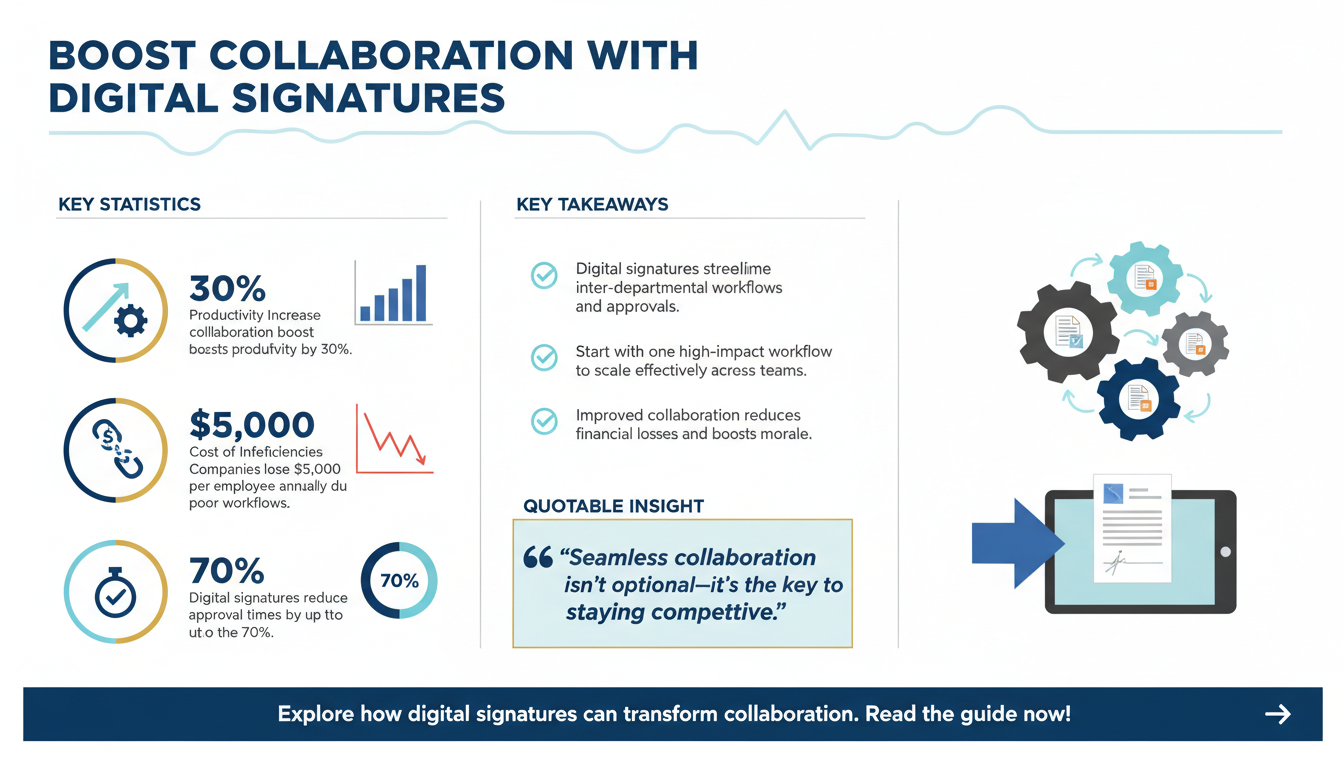
According to McKinsey’s 2025 report on collaborative workflows, organizations that prioritize cross-functional collaboration see a 30% increase in productivity and a 20% reduction in project delays. Digital signature tools are uniquely positioned to support this by providing a centralized platform for secure, efficient document handling.
For example, consider a scenario where a legal department needs approval from finance and operations on a vendor contract. Without streamlined tools, this process often involves endless email chains, lost attachments, and delayed sign-offs. Digital signatures eliminate these inefficiencies, ensuring faster approvals and a clear audit trail.
The Cost of Poor Collaboration
Inadequate collaboration can have significant financial and operational repercussions. A study by Forbes Business Council found that organizations lose an average of $5,000 per employee annually due to inefficiencies caused by poor communication and misaligned workflows. This figure is even higher in industries reliant on complex, interdepartmental processes such as manufacturing, healthcare, and real estate.
Moreover, the intangible costs—such as reduced employee morale and missed opportunities—can further compound the issue. Digital signatures help mitigate these expenses by providing clarity, speed, and accountability in collaborative efforts.
Pro Tip: Start Small, Scale Up
When introducing digital signatures to improve collaboration, start with one high-impact workflow, such as contract approvals or compliance documentation. Once the process is streamlined, scale up to include additional departments and workflows.

The Role of Digital Signatures in Workflow Optimization
Optimizing workflows across departments requires tools that support speed, accuracy, and security. Digital signatures offer all three in abundance, making them an indispensable asset for modern businesses. Here’s how they function as a cornerstone for workflow transformation:
1. Speed Up Approval Cycles
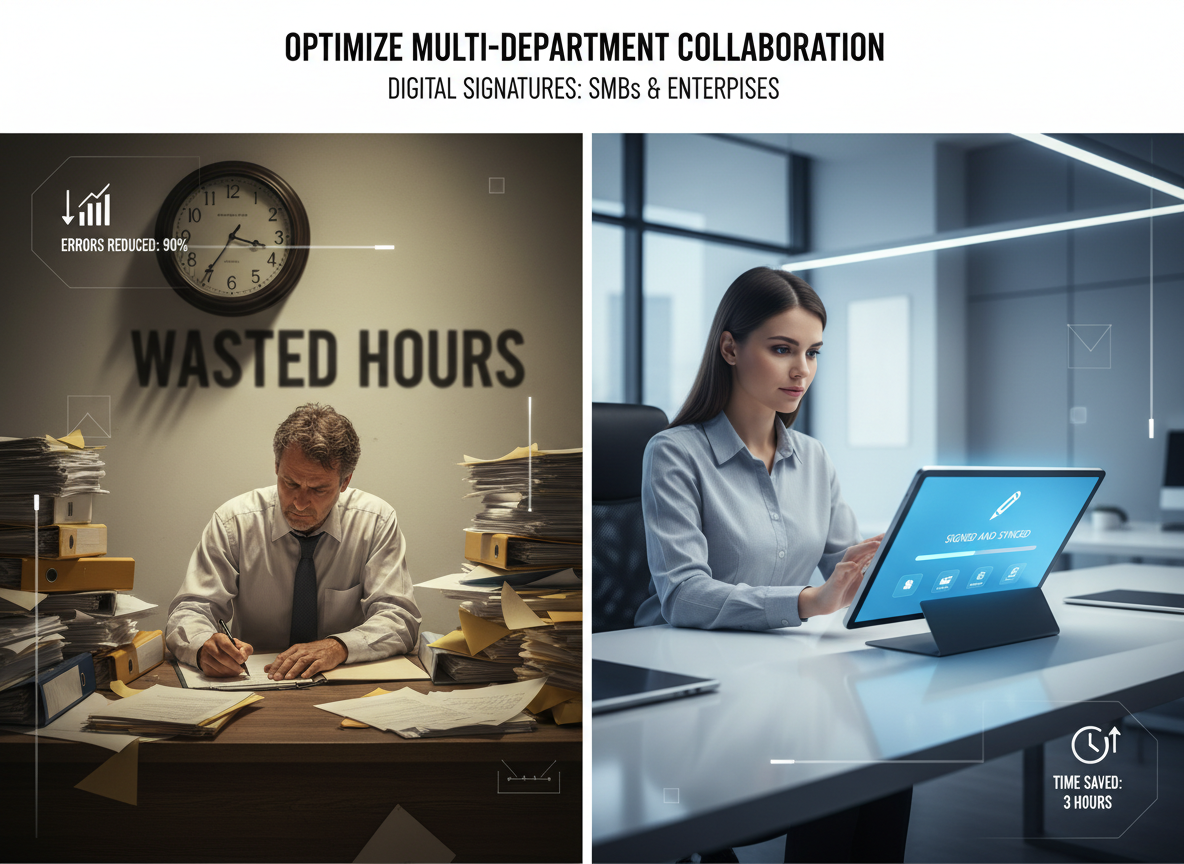
Traditional paper-based approvals often span days, if not weeks, due to logistical challenges. Digital signatures cut this time dramatically. For example, a procurement team can send contracts for approval to finance, legal, and operations simultaneously, ensuring parallel processing rather than a linear wait. Research by DocuSign shows that businesses using digital signature platforms reduce approval times by up to 70%.
In industries like healthcare, where timely approvals can mean the difference between life and death, these efficiency gains are particularly valuable. Hospitals using digital signatures for patient consent and insurance approvals have reported faster turnaround times and improved patient outcomes.
2. Reduce Human Errors
Manual workflows are prone to errors such as missed fields, incorrect dates, or misplaced documents. Digital signature platforms often feature validation tools that alert users to incomplete fields or inconsistencies, minimizing costly mistakes. For example, platforms like Adobe Sign include built-in error-checking mechanisms that ensure all required fields are completed before allowing documents to move forward.
Additionally, automated workflows eliminate the risk of documents being lost in transit or filed incorrectly, saving valuable time and resources. These features are especially beneficial for industries with stringent regulatory requirements, such as finance and legal services.
3. Enhance Security
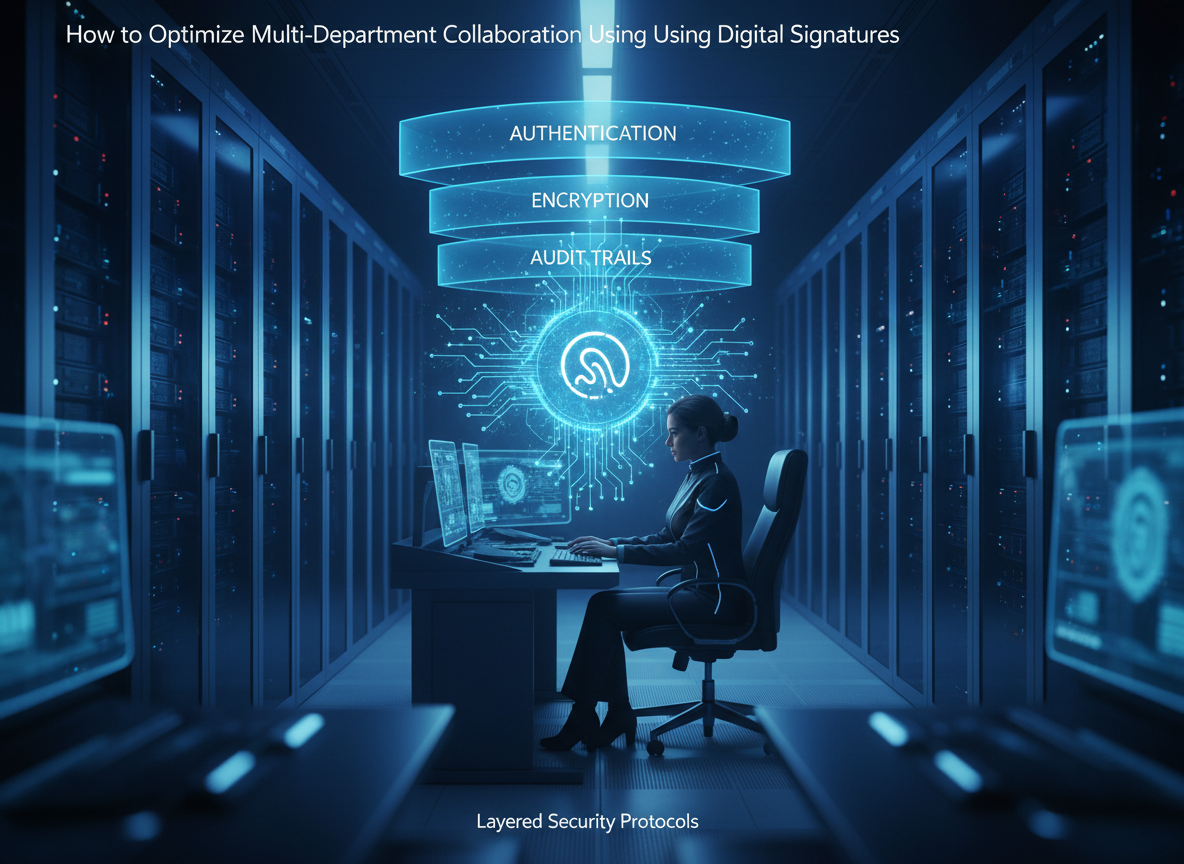
Security remains a top concern for multi-department collaboration, especially in industries like healthcare and finance. Digital signatures use encryption and authentication technologies to ensure documents are tamper-proof and accessible only to authorized personnel. According to Gartner’s 2026 security insights, organizations using encrypted digital signature solutions experience a 40% reduction in data breaches related to document handling.
For example, the European Union’s eIDAS regulation outlines specific standards for digital signatures, ensuring their legal validity and security. Companies adhering to these standards can confidently share sensitive documents across departments without fear of unauthorized access.
Expert Insight: Layered Security Protocols
To maximize security, pair digital signatures with additional protective measures like multi-factor authentication (MFA) and secure cloud storage. Platforms like DocuSign and Zignature offer these features as part of their advanced security packages.
Key Benefits of Digital Signatures for Multi-Department Collaboration
Digital signatures bring numerous advantages when integrated into multi-department workflows. Below are some of the most impactful benefits:
1. Streamlined Document Sharing
Gone are the days of emailing bulky attachments or relying on physical mail. Digital signature platforms enable instant sharing of documents with predefined roles and permissions for each department. This ensures everyone has the right access while maintaining confidentiality. For example, HR departments can securely share onboarding forms with new hires while maintaining compliance with privacy regulations.
Additionally, real-time notifications inform users when a document has been signed, reducing delays and keeping workflows moving swiftly. Platforms like Zignature and DocuSign offer customizable sharing options that align with organizational needs.
2. Improved Audit Trails
Every action taken on a document—whether it’s viewed, signed, or sent—is logged in a detailed audit trail. This transparency is especially valuable for compliance-heavy industries like healthcare and legal. Audit trails help organizations maintain accountability and provide proof of compliance during audits or legal disputes.
For instance, a pharmaceutical company using digital signatures for regulatory submissions can easily track who accessed and signed critical documents, ensuring full compliance with FDA requirements.
3. Seamless Integration with Existing Tools
Leading digital signature solutions integrate seamlessly with enterprise tools like CRM, ERP, and project management software. For instance, Zignature’s platform integrates with workflow automation tools to ensure documents flow directly into the next stage of a process.
Integration also reduces the need for manual intervention, enabling departments to focus on high-value tasks. For example, sales teams can close deals faster by automatically syncing signed contracts with their CRM systems.
Pro Tip: Leverage Custom APIs
If your organization uses specialized software, consider working with digital signature providers that offer custom API integrations. This ensures compatibility and enhances workflow efficiency.
Common Challenges in Multi-Department Collaboration and How Digital Signatures Solve Them
While collaboration offers immense benefits, it’s often fraught with challenges. Below are common hurdles and how digital signatures address them:
1. Disconnected Systems
Departments often use disparate software tools that don’t communicate with one another. Digital signatures act as a unifying layer, integrating with systems across the organization. For example, Zignature integrates with platforms like Apparatuz for workflow automation (Apparatuz).
This integration enables seamless communication between departments, eliminating the need for manual data transfers. For example, finance and operations teams can collaborate more effectively by sharing real-time updates on signed purchase orders.
2. Delayed Approvals
Approval delays often occur due to unclear processes or lack of accessibility. Digital signatures allow teams to set automated reminders and deadlines, ensuring documents are signed on time. Platforms like Zignature offer customizable workflows that align with organizational priorities and minimize bottlenecks.
In industries like construction, where project timelines are critical, digital signatures help contractors and clients approve plans swiftly, reducing delays and associated costs.
3. Compliance and Legal Risks
Failure to maintain compliance can result in legal repercussions. Digital signatures provide legally binding authenticity, which is crucial for industries like finance and healthcare. Learn more in our blog How Digital Signatures Safeguard Data Privacy in Highly Regulated Industries.
Additionally, compliance features such as encryption and audit trails ensure organizations meet regulatory standards like GDPR, HIPAA, or SOC 2.
Checklist: Digital Signature Compliance Features
- End-to-end encryption
- Multi-factor authentication
- GDPR/HIPAA/SOC 2 compliance
- Detailed audit trails
- Time-stamped signatures
How to Implement Digital Signatures for Multi-Department Collaboration
Adopting digital signatures requires a strategic approach. Follow these steps to ensure successful implementation:
Step 1: Identify Key Processes
Start by mapping out processes where document approvals are frequent, such as vendor contracts or employee onboarding. This helps prioritize workflows that benefit most from digitization. For example, HR teams can focus on streamlining onboarding forms, while legal teams prioritize contract approvals.
Use data from existing workflows to identify pain points, such as delays or errors, and target those areas first.
Step 2: Choose the Right Platform
Not all digital signature solutions are created equal. Choose a platform like Zignature that offers robust features tailored for multi-department workflows. View pricing plans to explore options.
Consider factors such as scalability, security, and integration capabilities when selecting a platform. For SMBs, affordability and ease of use may be top priorities.
Step 3: Train Your Teams
Ensure all departments receive adequate training to use the platform efficiently. This reduces resistance and accelerates adoption. Platforms like Zignature and DocuSign offer user-friendly interfaces that simplify the learning curve.
Organize workshops or webinars to familiarize employees with key features and best practices.
Step 4: Monitor and Optimize
Track metrics such as document turnaround time and error rates to measure success. Continuously optimize workflows based on feedback. For example, if certain processes still experience delays, adjust automated reminders or reassign roles.
Leverage analytics tools offered by digital signature platforms to gain insights into workflow bottlenecks and areas for improvement.
Proprietary Framework: The SIGNATURE Method
To simplify implementation, we’ve developed the SIGNATURE Method:
- Secure your processes with encryption.
- Identify workflows with frequent approvals.
- Gather feedback from department leaders.
- Normalize digital tools through training.
- Automate reminders and deadlines.
- Track performance metrics.
- Unify systems with integrations.
- Review compliance requirements.
- Evolve workflows based on insights.
This framework ensures a comprehensive, step-by-step approach to optimizing collaboration using digital signatures.
Case Study: A Real Estate Firm’s Success with Digital Signatures
Consider the example of a real estate firm that struggled with delayed contract approvals between legal, finance, and operations teams. By adopting Zignature, the firm reduced its contract turnaround time by 50%, improved compliance tracking, and enhanced collaboration across departments. Their experience highlights the transformative power of digital signatures in streamlining workflows.
FAQ: Common Questions About Digital Signatures
1. Are digital signatures legally binding?
Yes, digital signatures are legally binding in most countries under regulations like the ESIGN Act (US) and eIDAS (EU). Courts globally recognize digital signatures as equivalent to handwritten signatures, provided they meet specific criteria.
2. How secure are digital signatures?
Digital signatures use advanced encryption and authentication, ensuring tamper-proof documents and secure workflows. Features like time-stamped signatures and audit trails add an extra layer of security.
3. How do digital signatures integrate with existing systems?
Most platforms offer APIs and integrations with tools like CRMs, ERPs, and workflow automation platforms. This ensures seamless compatibility with your organization’s existing infrastructure.
4. What industries benefit most from digital signatures?
Digital signatures are widely used in legal, healthcare, real estate, finance, and technology sectors. Any industry with frequent document approvals can benefit from adopting this technology.
5. Can SMBs afford digital signature solutions?
Yes, many platforms, including Zignature, offer scalable pricing plans designed for SMBs. These plans provide essential features without requiring significant upfront investments.
Conclusion
Optimizing multi-department collaboration is no longer optional in 2026—it’s a business imperative. Digital signatures provide SMBs and enterprises with the tools they need to streamline workflows, enhance security, and drive efficiency. By following this guide, organizations can overcome collaboration barriers and unlock new levels of productivity.
As you implement digital signatures, consider leveraging complementary tools like Apparatuz, Applicantz, Schedly, Supportly, and Zatisfied to further enhance your workflows and collaboration processes.